
Why Nearby Customers Are Finding Your Competitors First
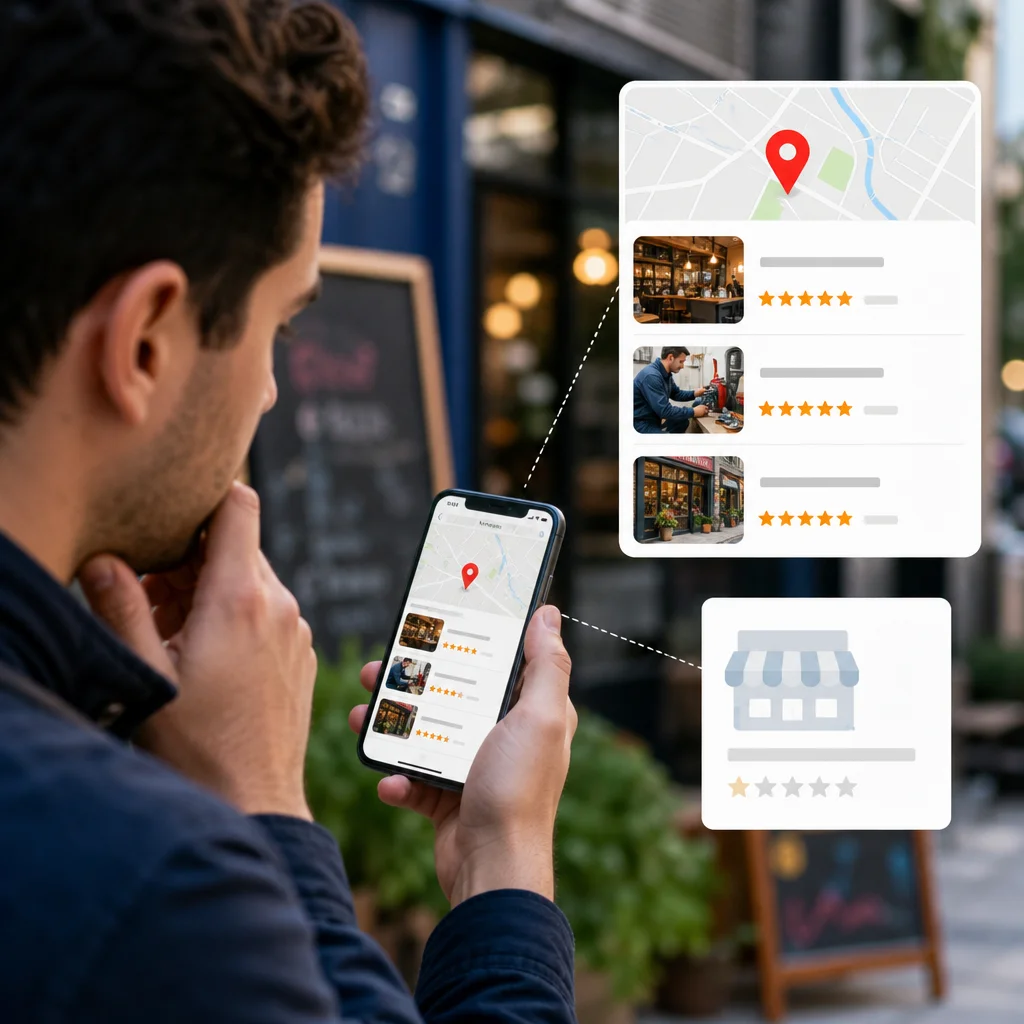
When someone searches “coffee near me” or “plumber open now,” the results they see are often shaped by a single source: your Google Business Profile, or the profile of a competitor. Many local customers never scroll past the map pack, the cluster of three local listings that appears above the regular search results. If your profile is incomplete or outdated, you may be invisible to people who are ready to buy.
We see this pattern often. A business has been operating for years, has loyal customers, and yet its listing shows the wrong hours, a blurry logo, and only two reviews from 2019. A competitor down the street with a fuller profile captures the calls.
What to do next: search your own business name and a few of the services you offer from a location near your office, then note which competitors appear and what their profiles include that yours does not.
How Google Business Profile Influences Local Search Rankings
Google uses three main factors to decide which local businesses appear for a search: relevance, distance, and prominence. Relevance measures how well your profile matches what the searcher wants. Distance reflects how close you are to the searcher or to the location named in the query. Prominence reflects how well-known and trusted your business appears online, based on reviews, citations, and links from other sites.
Your Google Business Profile touches all three. Categories and services signal relevance. Your address and service areas affect distance. Reviews, ratings, and consistent mentions across the web build prominence.
Here is a simple example. A dental office in a mid-sized city may be close to a searcher but have no listed services beyond “dentist.” A competitor a little farther away lists cleanings, implants, and emergency care, and has more recent reviews mentioning those services. The competitor often wins the ranking, even with a slightly longer drive.
What to do next: list the services your customers actually ask about, then confirm each one appears on your profile.
Core Elements of a Fully Optimized Business Profile
A fully optimized profile gives Google and customers the information they need without guesswork. Start with the basics and make sure each one is complete and accurate:
- Business name exactly as it appears on your signage and website, without added keywords.
- Address and service area that reflects where you actually serve customers.
- Phone number that connects to the location you want to rank for.
- Hours, including holiday hours and special hours for seasonal changes.
- Website link pointing to a page that matches the profile’s purpose.
- Photos of your storefront, team, products, and work, updated regularly.
- Business description written in plain language that explains what you do and who you serve.
Photos deserve special attention. Profiles with current, high-quality images tend to attract more clicks because they give customers a clear sense of the place before they visit.
What to do next: audit each field this week and write down anything missing, outdated, or inconsistent with your website.
Building Local Relevance Through Categories, Services, and Keywords
Categories tell Google what your business is. Choose a primary category that describes your core offering as closely as possible, then add secondary categories only where they genuinely apply. A bakery that also sells coffee might add “cafe” as a secondary category, but adding five unrelated categories can confuse the signal.
Services and products give more detail. Most profiles allow you to list each service with a short description. Write these the way a customer would describe what they need, such as “emergency water heater repair” rather than vague phrases like “quality service.”
Keywords belong in your description and service listings, but use them naturally. A description that reads like a list of search terms will hurt credibility with customers and does little for rankings. A useful approach is to describe your neighborhood, your specialties, and your customers in plain sentences.
Consider a small landscaping company in a suburb. Instead of a generic description, it might mention the neighborhoods it serves, the types of properties it works on, and the seasonal services it offers. That specificity helps Google match the business to local searches.
What to do next: write three service descriptions of two sentences each, naming the town or neighborhoods you serve.
Managing Reviews to Build Trust and Local Visibility
Reviews influence both rankings and buying decisions. Customers read them to judge quality, and Google considers review quantity, recency, and rating when evaluating prominence. A steady flow of recent reviews matters more than a large pile of old ones.
Make asking for reviews a regular habit. Send a short follow-up message after a completed job or purchase with a direct link to your review form. Train staff to mention it at the right moment, such as when a customer expresses satisfaction.

Responding matters as much as collecting. Reply to every review, including negative ones, within a few days. Thank positive reviewers by name when appropriate. For negative reviews, acknowledge the concern, avoid arguing, and offer an offline way to resolve the issue. Future customers read these responses closely.
Never offer incentives in exchange for positive reviews or post fake reviews. These practices violate Google’s policies and can lead to suspended listings.
What to do next: create a one-line review request template and set a reminder to respond to all new reviews within 48 hours.
Keeping Your Profile Accurate and Active Over Time
An optimized profile can drift out of date quickly. Holiday hours get missed, a phone number changes, a service is discontinued, or a new location opens without the old listing being updated. Inaccurate information frustrates customers and can weaken your ranking.
Set a monthly routine. Check hours, contact details, services, and photos. Review any new questions people have asked on your profile and answer them. Google’s Q&A section is public, so answers from your business should be accurate and current.
Posting also helps. Google Business Profile allows posts about offers, events, and updates. Even one or two posts a month signal that the business is active. Keep posts short, include a clear call to action, and link to a relevant page on your website.
Multi-location businesses face extra challenges. Each location needs its own accurate profile, and each one should reflect its own hours, staff, and services.
What to do next: add a recurring monthly reminder titled “Profile check” and include a single post on your calendar for each month.
How Our Local SEO Team Optimizes Your Google Business Profile
Our local SEO team treats your Google Business Profile as one part of a broader local search strategy. We begin with a full audit of your listing, your website, and the citations that mention your business across directories. We look for inconsistencies in name, address, and phone number, since mismatched details weaken trust with both search engines and customers.
From there, we build a plan around your priorities. For many clients, that includes:
- Rewriting your business description and service listings using clear, customer-focused language.
- Selecting the right primary and secondary categories based on how your competitors and customers search.
- Setting up a photo schedule and a process for uploading new images.
- Creating a review request workflow and drafting response templates your team can personalize.
- Publishing regular profile posts tied to your current offers.
- Connecting your profile to your website’s local pages so the two reinforce each other.
We also monitor review activity and flag any patterns that need attention, such as a sudden drop in ratings or repeated complaints about the same issue. Our reputation management services can help you respond consistently and protect the reputation you have built.
For businesses that want broader reach, our SEO services cover keyword research, on-page optimization, technical improvements, and content that brings organic traffic to your site alongside your local listing.
What to do next: request a Google Business Profile audit from our team so we can identify the highest-impact fixes for your listing.
Measuring Results and Growing Nearby Customer Traffic
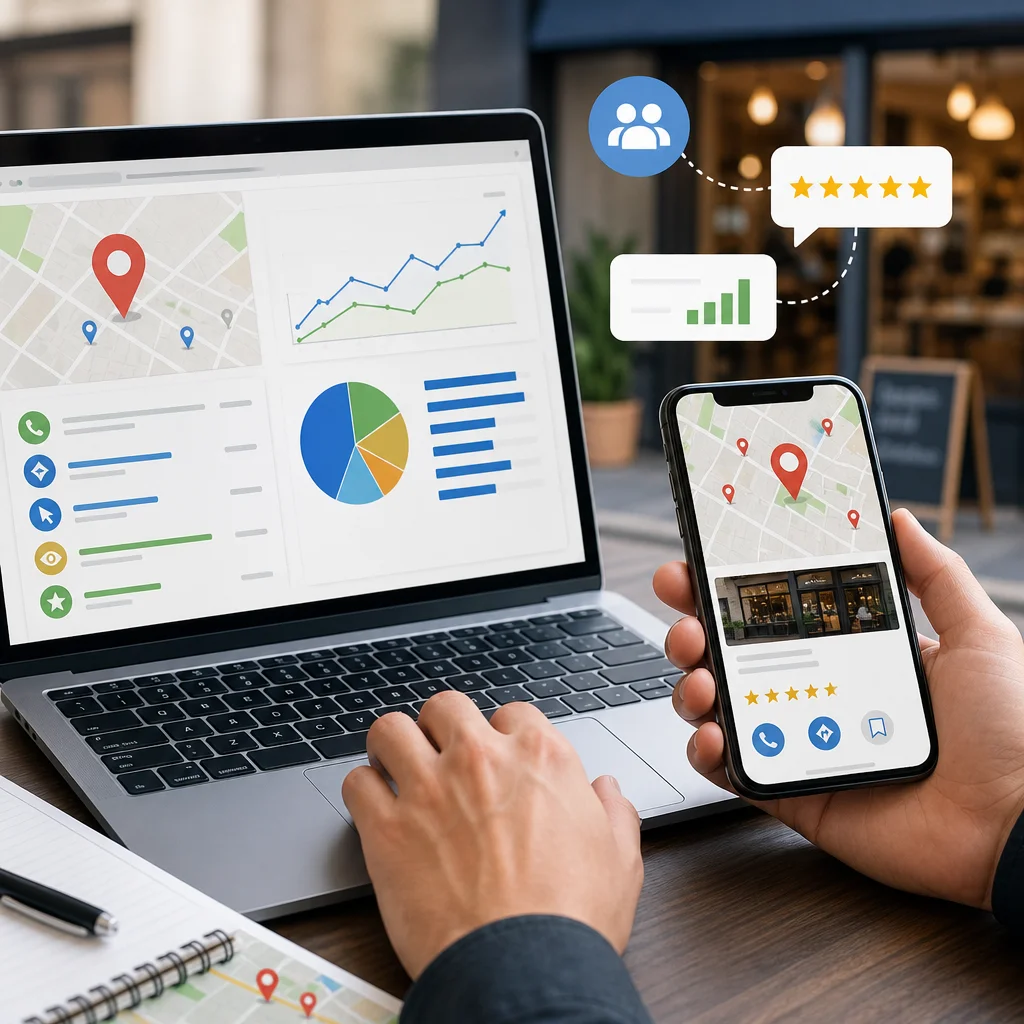
Start by setting a baseline. In Google Business Profile, you can see how customers found your listing, including searches used, views, calls, direction requests, and website clicks. Record these numbers monthly so you can see trends rather than reacting to single days.
Useful metrics include:
- Calls and direction requests, which show intent to visit or buy.
- Website clicks from the profile, which show interest in learning more.
- Search queries that brought people to your profile, which reveal how customers describe your services.
- Review count, average rating, and response rate.
- Photo views compared with competitors, where available.
Look for patterns. If direction requests rise after you add a new service, that service is resonating. If views grow but calls stay flat, your description or phone visibility may need work.
Growth usually comes from compounding small improvements: accurate details, consistent reviews, fresh photos, and regular posts. Over several months, these signals help your business appear more often, and more customers choose you when they are ready.
What to do next: export your current profile insights, record them in a simple spreadsheet, and review the numbers again in 30 days.
